
How to Dictate Notes on Your Phone (Faster Than Typing)
Speaking is about three times faster than typing on a phone. Learn the dictation technique, voice commands and AI cleanup that turn rambling speech into clean notes.
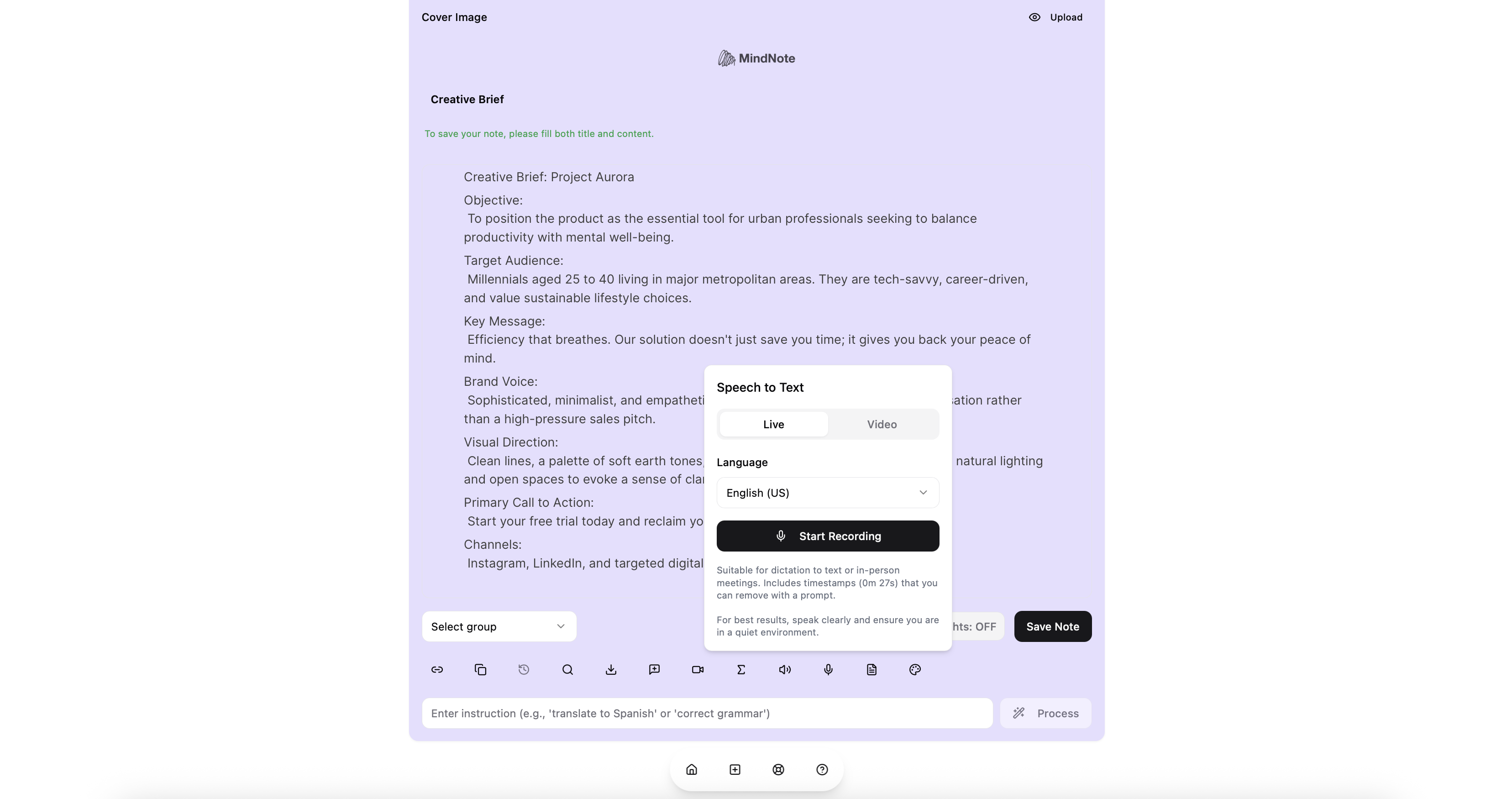
Quick answer: To dictate notes on your phone, open a speech-to-text notes app such as MindNote, tap the microphone, speak in complete sentences at a steady pace, then let AI clean up punctuation, filler words and structure. Research from Stanford found speech input roughly three times faster than typing on a phone keyboard, with fewer errors.
The math behind dictation
Typing on a phone is slow. A large study of mobile typing behaviour found people average around 36 words per minute on smartphones. Natural speech runs much faster, and a Stanford study found that speech recognition entry was about three times faster than typing on a mobile keyboard for English, with a lower error rate.
For a 300-word meeting debrief, that’s roughly the difference between eight minutes of thumb-typing and two or three minutes of talking. Do that a few times a day, across a team, and the time adds up to hours every week.
The 6-step dictation technique
Dictation is a skill. These steps make the difference between a messy transcript and a usable note.
- Think for five seconds first. Know your main point before you speak. Dictation goes wrong when you plan out loud.
- Start with a title. “Note: Client call with Northwind, budget and timeline.” It makes the note findable later.
- Speak in full sentences. Complete thoughts transcribe more accurately than fragments, because the language model has context.
- Keep a steady pace. Not slow and robotic, not rushed. Normal conversational speed is ideal.
- Name the structure as you go. “Three points. First… Second… Third…” or “Action items:” These cues make AI cleanup better.
- End with the next step. “Next step: send proposal by Friday.” Every note should end with what happens next.
Dictate in MindNote, then let AI tidy it
- Open MindNote on your phone and create a note (or open an existing one).
- Tap the microphone and speak.
- When you finish, run a cleanup prompt, for example:
- “Fix punctuation and remove filler words. Keep my meaning and tone.”
- “Turn this into a title, three bullets and one next step.”
- “Rewrite as a professional email to my manager.”
- File the note in a group (Work, Clients, Ideas) and share it by link if needed.
Because MindNote’s prompt editing can apply several changes at once, one instruction can fix grammar, structure the content and translate it in a single pass.
Where dictation beats typing at work
| Situation | Why dictation wins |
|---|---|
| Right after a meeting or call | Memory is fresh; you capture details before the next meeting |
| Walking, commuting (as a passenger) | Hands busy, mind free |
| Site visits and field work | Gloves, tools, standing up |
| Drafting long messages | Talk through the argument, then edit |
| Brainstorming | Ideas flow faster than fingers |
| Language practice for global teams | Dictate, then translate with a prompt |
Common dictation problems and fixes
| Problem | Fix |
|---|---|
| Background noise | Use earbuds with a microphone; turn away from traffic |
| Wrong names or jargon | Spell unusual names once, then fix all with a find-and-replace prompt |
| Rambling notes | Use the six-step technique; ask AI to “cut to the essential points” |
| Missing punctuation | Let AI add it afterwards instead of saying “comma” and “period” |
| Embarrassing in open offices | Step into a corridor or use the phone close to your mouth at low volume |
| Mixed languages | Dictate in one language per note; translate after |
Privacy and etiquette
- Don’t dictate passwords, card numbers or sensitive personal data.
- Be careful dictating confidential client details in public places.
- If other people’s voices will be captured, let them know.
Sources
- Stanford HCI Group, Speech is 3x faster than typing for English and Mandarin text entry on mobile devices
- Palin et al., How do people type on mobile devices? Observations from a study with 37,000 volunteers, MobileHCI 2019
Speak your next note. Try dictation in MindNote.
Try MindNote free. Write, dictate, transcribe meetings, and organize your notes with AI.
Get startedFrequently asked questions
Is dictating faster than typing on a phone?
Yes, for most people. Stanford research found speech input about three times faster than typing on a mobile keyboard for English.
What’s the best app to dictate notes?
One that transcribes accurately and cleans up the text with AI. MindNote combines speech-to-text with prompt editing, sharing and exports.
Do I need to say punctuation out loud?
Not with AI cleanup. Speak naturally, then ask the AI to add punctuation and structure.
Can I dictate in languages other than English?
Yes. MindNote supports multiple languages and can translate the result.
How do I make dictated notes less messy?
Think before speaking, use full sentences, signal structure out loud and run a cleanup prompt afterwards.